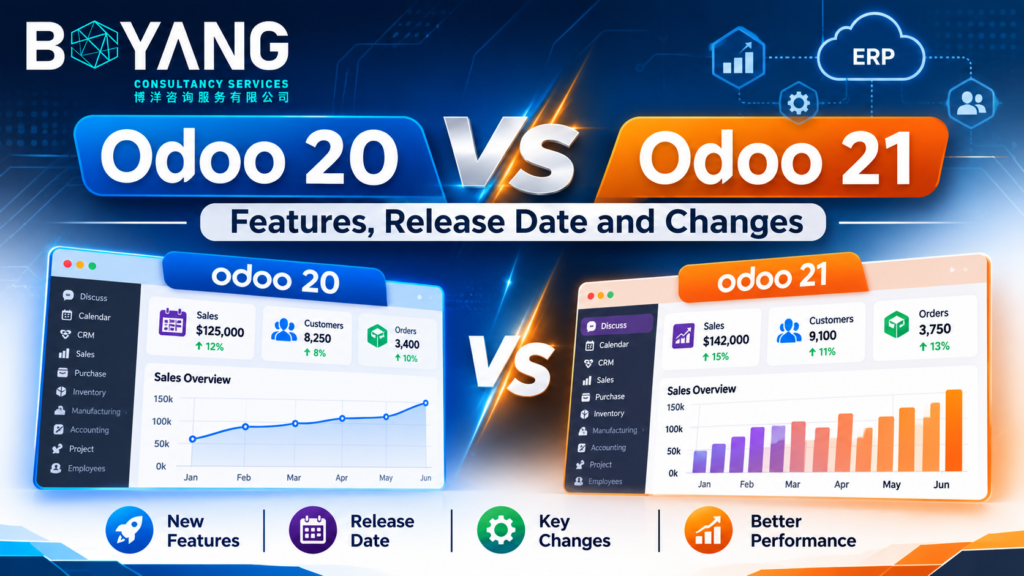
Odoo 20 vs Odoo 21 is a common search right now, so here is the short answer. Odoo 20 launched in September 2026 and is the newest major version. Odoo 21 has no official announcement yet. This guide covers what Odoo 20 delivers, what to expect from Odoo 21, and which version fits your business. ecosire
Odoo 20 vs Odoo 21 at a Glance
| Topic | Odoo 20 | Odoo 21 |
|---|---|---|
| Status | Released September 2026 | Not announced |
| Expected launch | Done | September to October 2027 |
| Feature list | Official release notes | None published |
| Editions | Community and Enterprise | Same pattern expected |
| Support window | Three years from release | Three years from release |
| Best for | New projects and planned upgrades | Planning only |
Odoo Release History
Odoo ships one major version each year. The company reveals it at Odoo Experience in Brussels.
Odoo Online users also get intermediate updates every two to three months. These updates preview what the next major version will hold. linkedin
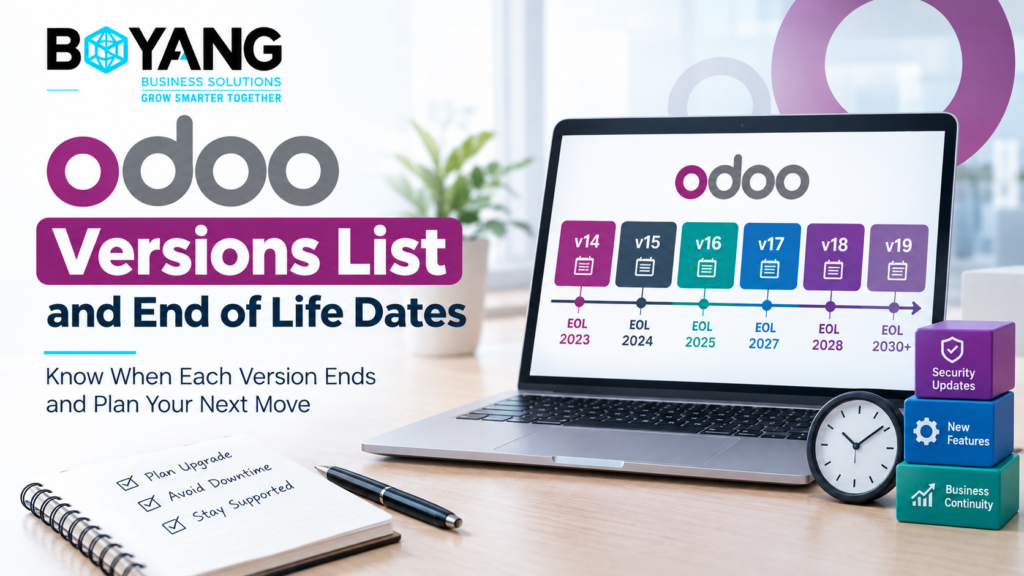
Each major version gets three years of standard support. Odoo 19 support runs to September 2028 (planned). Odoo 20 follows the same rule, so expect support to run to about 2029. Check Odoo’s supported versions page for the exact date. ecosiregithub
Odoo 20: What You Get Today
The points below come from Odoo’s official release notes, as summarized by a partner.
AI Agents and MCP
Odoo 20 moves AI from suggestions to action. Agents create and update records, including from an uploaded PDF, and connect to your database through MCP. MCP is an open protocol. It lets outside AI tools talk to Odoo without a custom bridge. ecosire
Other AI changes:
- Automated and scheduled actions call agents.
- Users dictate requests by voice.
- Odoo picks the AI model for each task.
- Agent conversations stay stored for up to 30 days.
AI costs extra. All AI features need credits bought through IAP. Budget for this before you roll AI out to a team. ecosire
Offline Mode and Mobile
Users create, edit, archive and delete records without a connection. Warehouse and field teams gain the most. Mobile forms are redesigned for touch, and you share files from your phone into Odoo to create bills, tasks and leads. ecosire
Simpler Access Rights
Odoo 20 removes record rules and places a domain on the access right itself. This change affects every custom module with security rules. Test those modules on a copy of your database before you upgrade. ecosire
Accounting
- Parent accounts replace account groups. Account codes become optional.
- Depreciation models replace asset models.
- Payment labels change. “In Process” becomes “Paid” and “Paid” becomes “Reconciled”.
- One bank transaction splits across several accounts.
- Duplicate bill detection improves and a wizard warns about double payments.
Check any report or export built on the old payment labels.
Inventory and Manufacturing
- Odoo suggests min and max reorder levels from demand history.
- A stock aging report arrives in Moves Analysis.
- Continuous production starts the next operation as soon as some quantity is ready.
- You split a running manufacturing order and finish the rest later.
- Work orders gain Kanban and drag-and-drop Gantt views.
Sales, eCommerce and Point of Sale
- Pricelist rules apply to specific periods or weekdays.
- Commissions follow the amount paid.
- eCommerce adds returns, review requests and cross-sell suggestions.
- POS handles several currencies and several printers.
- POS runs without the Inventory app.
Industry Packages and Localizations
Odoo 20 adds 13 new industry packages and refreshes more than 12 others. These are starting setups. They speed up a rollout but do not replace fitting Odoo to your process. linkedin
Localizations form the largest part of the release notes. Examples include FBR e-invoicing for Pakistan, ZATCA batch processing for Saudi Arabia and a VAT audit file for the UAE. ecosire
Pricing
At Odoo Experience, Odoo announced higher prices on some plans after four years, while revenue grew 45% this year. Confirm your own quote before you renew. lalibre
When Will Odoo 21 Be Released?
Odoo has not confirmed a date. The pattern points to September or October 2027, tied to Odoo Experience 2027 in Brussels.
Watch these sources for early signals:
- Odoo Online version updates during 2027
- The Odoo documentation repository on GitHub
- Odoo Experience announcements
- Odoo’s release notes page
Treat any exact day you read today as a guess.
What Features to Expect in Odoo 21
Odoo has published no Odoo 21 feature list. Be careful with articles claiming one. Many pre-launch Odoo 20 articles listed AI forecasting and multi-calendar scheduling. Those lists were expectations, not official notes. The same applies here. ksolves
These expectations follow the direction Odoo 20 set:
- Deeper AI agents. Expect more actions, more apps covered and more control over what agents touch.
- Wider MCP use. Expect more tools connecting to Odoo through the protocol.
- More offline coverage. Odoo 20 started this work. More apps should follow.
- More industry packages. Odoo adds a batch each year.
- More localizations. E-invoicing rules keep changing across countries, so expect new entries.
- API changes for developers. Odoo postponed removal of the old RPC services. The removal now sits at Odoo 21.1 or 22. Move integrations to the JSON-2 API now. odoo
Odoo 20 vs Odoo 21 Compared
| Area | Odoo 20 | Odoo 21 |
|---|---|---|
| AI | Agents, MCP, voice, IAP credits | Expected to expand |
| Offline | Create, edit and delete records | Expected to widen |
| Security model | Domain on access rights | Unknown |
| Accounting | Parent accounts, depreciation models | Unknown |
| API | RPC active but deprecated, JSON-2 active | RPC removal possible at 21.1 or 22 |
| Risk | Newest release, early bug fixes | No data yet |
Which Version Should You Choose?
- New implementation. Start on Odoo 20. Check that every third-party module has a 20.0 build first.
- On Odoo 19 with few customizations. Run an upgrade on a test copy now. Move to production when your modules are ready.
- On Odoo 18. You have support to about 2027. Plan the upgrade for 2027 and skip ahead if you want.
- On Odoo 17. Odoo lists standard support as ending in September 2026 (planned). Plan your upgrade now. ecosire
- Heavy customization. Code porting sets your timeline. Start with the access rights and mail tracking changes.
Do not wait for Odoo 21 to start. A new major version needs months of fixes, and waiting costs you a year of support.
Upgrade Checklist
- List every custom and third-party module.
- Confirm each module has a build for the target version.
- Review record rules and security files.
- Test the upgrade on a copy of your database.
- Check reports and exports for renamed payment labels.
- Budget for IAP credits if you plan to use AI.
- Move integrations from RPC to JSON-2.
Frequently Asked Questions
Is Odoo 21 released?
No. Odoo has not announced Odoo 21. Odoo 20 is the current major version.
When is the Odoo 21 release date?
No official date exists. The yearly pattern suggests September or October 2027.
What is new in Odoo 21?
Nothing official yet. Watch Odoo Online updates and the release notes during 2027.
Is Odoo 20 free?
Odoo 20 Community is free. Enterprise needs a paid subscription. AI features need IAP credits in both.
Should I upgrade to Odoo 20 or wait for Odoo 21?
Upgrade on your own schedule. Waiting for Odoo 21 leaves you on an older version for another year.
Will my custom modules work on Odoo 20?
Not automatically. Each module needs a build for the target version. Access rights and mail tracking changes make porting work necessary.