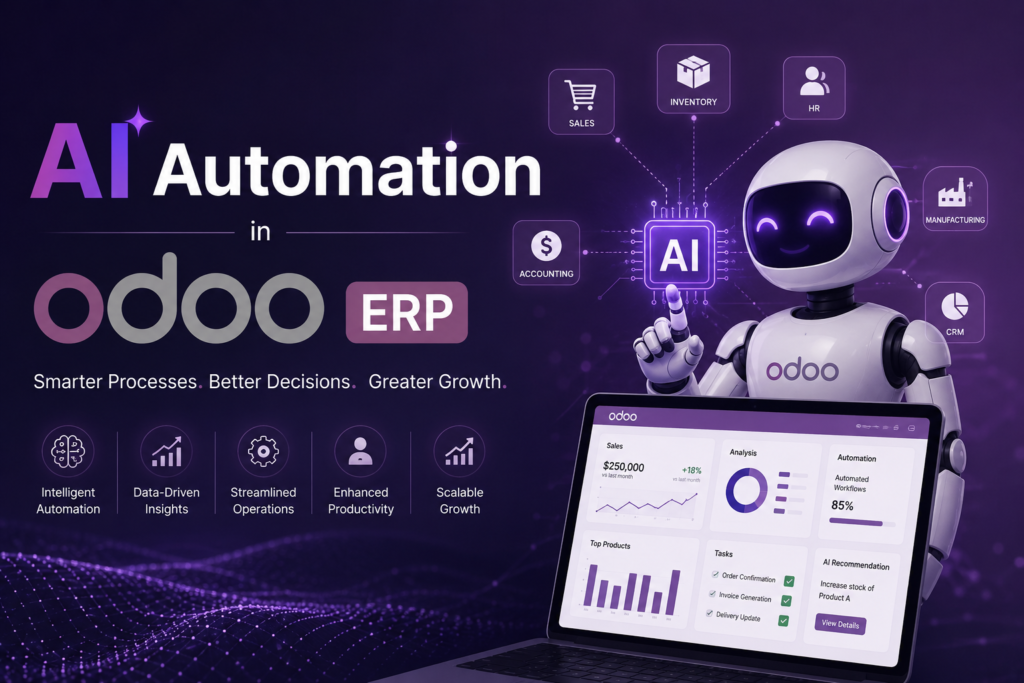
Hong Kong businesses are under pressure to do more with fewer resources. Labor costs keep rising. Skilled staff are hard to find. Margins are tight in retail, trading, and professional services. AI automation in Odoo ERP gives you a practical way to handle this pressure without hiring more people or buying separate software tools.
This guide breaks down what AI automation actually means inside Odoo, what features are live right now, and what Hong Kong businesses specifically need to plan for in 2026. You get a clear picture of what to use today and what to prepare for next.
Why This Matters for Hong Kong Businesses Right Now
The Hong Kong government allocated HK$300 million this year to its Digital Transformation Support Pilot Programme, aimed directly at helping SMEs adopt AI and cybersecurity tools to automate daily operations. The HKTDC also partnered with Microsoft on a separate AI adoption programme for SMEs, offering workshops and solution discounts to lower the cost of entry.
The funding exists because adoption has lagged. A Deloitte and HKU survey found that only 23 percent of Hong Kong enterprises have AI deployments that generate measurable financial impact, and just 4 percent describe their AI use as fully transformational. Most companies are still piloting or experimenting. Among SMEs that have adopted AI, most use it for repetitive admin tasks, and only about 32 percent pay for proper tools rather than relying on free, low-stakes options.
This gap is your opportunity. If your competitors are still testing free AI chatbots, a properly configured Odoo system with AI automation built into your actual workflows puts you ahead of nearly everyone in your sector.
What AI Automation Actually Means Inside Odoo
AI automation in Odoo is not a separate add-on you bolt onto your ERP. Starting with Odoo 19, AI is embedded directly into the modules you already use: CRM, Accounting, Inventory, HR, Helpdesk, and Studio. You query your own business data using plain language, generate automation rules without writing code, and let the system draft routine work for your team to review.
The shift in Odoo 19 changes how you interact with your ERP. Instead of clicking through menus to find a report, you ask a question in chat and get an answer. Instead of writing a technical specification for a developer to build an automation, you describe what you want in a sentence and the system builds the action.
Here is what that looks like in practice across core modules.
AI Document Processing and Data Entry
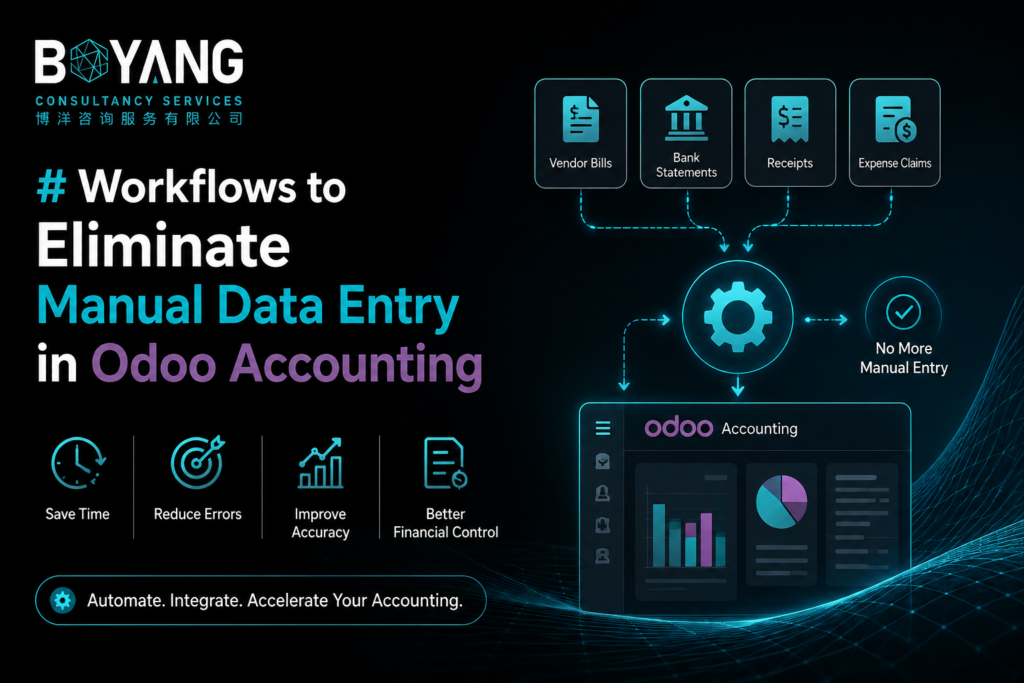
Manual data entry has always been one of the biggest time costs in running an ERP. Odoo’s AI engine extracts information from invoices, receipts, and purchase documents automatically, removing the need for someone to retype every line item by hand.
For a Hong Kong trading company processing supplier invoices from mainland China, Southeast Asia, and Europe, this cuts hours of admin work every week. Your accounts team moves from typing data into the system to reviewing and approving what the AI has already drafted. That shift from manual entry to supervision is one of the clearest wins available right now.
AI Agents and Natural Language Queries
Odoo 19 introduced AI Agents, which are configurable chat assistants that live inside your ERP and can perform actions, not just answer questions. You can ask something like “show me this quarter’s pipeline by region with probability above 60 percent” and get a direct answer pulled from your live data.
You can also instruct the AI Agent to take action. Examples include updating the status of multiple open opportunities at once, generating PTO approval workflows, or drafting an email inviting clients to an event on a specific date. The agent interprets your instruction and executes it, with a human reviewing before anything goes live.
For an SEO or marketing team working alongside operations, this means faster reporting without waiting on a developer to build a custom dashboard.
AI Server Actions for No-Code Automation
AI Server Actions let you describe an automation rule in plain language instead of configuring technical filters or writing code. You tell the system what should happen and under what condition, and it builds the rule.
This matters for Hong Kong SMEs specifically because technical talent is scarce and expensive. The HKTDC’s own SME outlook for 2026 names labor shortages and the hunt for technical staff as a direct barrier to digital transformation for smaller firms. No-code automation removes the dependency on having an in-house developer for every workflow change.
AI Fields in Studio
AI Fields are a newer field type in Odoo Studio that auto-generates text or content based on prompts and other data already in the record. Watching the system auto-fill a product description or summarize a long opportunity history into key points saves your team from writing the same type of content over and over.
Document and Knowledge Training
You can train your AI agent on your own company documents, policies, and PDFs. This means the answers you get back are grounded in how your business actually operates, not generic responses. For a company like an IT and ERP services provider working across Hong Kong and Malaysia, this is useful for keeping support responses and internal documentation consistent across regions.
What’s Coming with Odoo 20 in September 2026
Odoo 20 is scheduled to ship in September 2026, and the centerpiece feature is agentic AI. The difference between Odoo 19 and Odoo 20 is the difference between an assistant that responds to your prompts and a system that acts on its own.
Right now, AI Server Actions and AI Agents still need you to ask a question or define a rule. Agentic AI checks conditions on its own and executes the next step without a person prompting it. A common example given in early coverage is inventory management. Instead of you noticing low stock and submitting a reorder, the agentic system checks stock levels, files the reorder, and notifies the supplier before anyone on your team would have caught the gap.
If you run a business with physical inventory, whether that’s an Odoo client of yours or your own operation, this is the feature to plan for. You do not need to act on it yet since it has not shipped, but you should budget time in late 2026 to test it properly before relying on it for anything customer-facing.
How Hong Kong Businesses Should Prioritize Adoption
Given the funding support available and the gap between Hong Kong’s AI ambitions and actual deployment, here is a practical order of operations.
Start with document-heavy processes. Invoice and receipt extraction gives you a fast, low-risk win. The AI drafts, a person approves. Nothing goes out the door without human review, which keeps the risk low while you learn how the system performs with your own documents.
Move to reporting and queries next. Replace manual report-building with natural language queries inside CRM and Accounting. This saves time immediately and gets your team comfortable working with AI inside the ERP before you hand over any actual decision-making.
Build server actions for your most repetitive rules. Look at the workflows your team repeats every week, like updating lead stages or sending follow-up reminders, and convert those into AI Server Actions.
Hold off on full agentic automation until Odoo 20 has been live for a few months. Early adopters always surface bugs and edge cases that later adopters benefit from avoiding.
Check what government funding actually covers. The Digital Transformation Support Pilot Programme and the HKTDC Microsoft programme both exist specifically to lower the cost of this kind of upgrade for SMEs. If you have not looked into eligibility, that is worth doing before you pay full price for implementation work.
A Note on AI-Generated Numbers and Claims
If you are researching Odoo’s AI roadmap, you will find blog posts citing specific dollar savings figures or exact percentages from vendors and partners. Treat any number you have not verified independently as a marketing claim rather than a fact. Confirm release dates, pricing, and feature availability directly through Odoo’s official channels or your implementation partner before you build a business case around them.
The Bottom Line for 2026
AI automation inside Odoo has moved past being a nice-to-have. Odoo 19 already gives you document automation, natural language queries, no-code server actions, and trainable AI agents across your core modules. Odoo 20 will push further into autonomous execution in September 2026.
For Hong Kong businesses, the timing lines up with real government support and a market where most competitors are still stuck at the experimentation stage. Getting your ERP automation right now, even with the basics, puts you ahead of a market where only 4 percent of companies have reached real transformation.
If you are running Odoo already, the fastest path forward is auditing what AI features are sitting unused in your current version before paying for new tools or a custom build.
If your business is still evaluating whether Odoo fits your operations, our guide to Odoo ERP implementation in Hong Kong breaks down the setup process before you commit to AI features on top of it.